A Practical Guide to Customer Journey Design | From Design Steps to Tool Selection
Shusaku Yosa
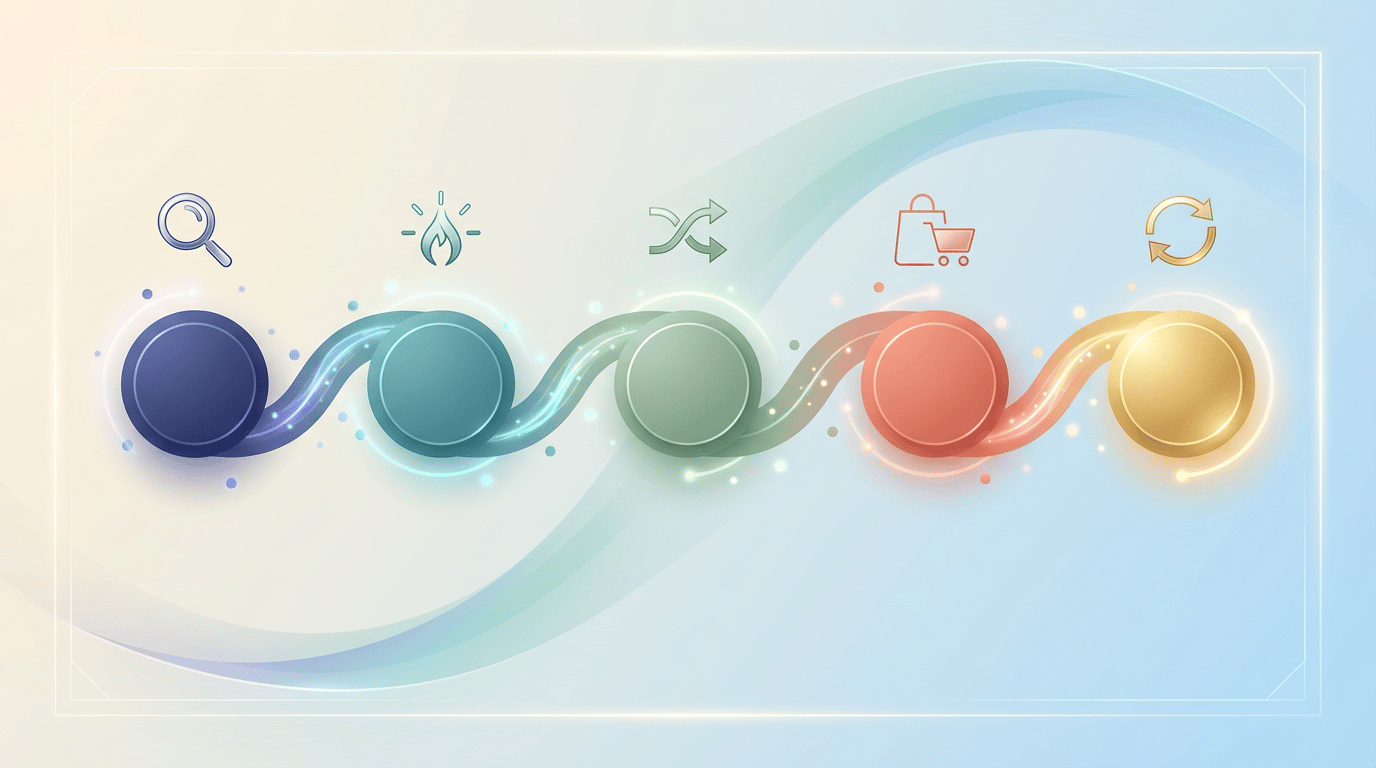
"Our campaigns only produce isolated improvements without enhancing the overall customer experience." "Each department runs its own initiatives with no consistent communication."—These challenges stem from a lack of perspective on the customer's entire buying process. The framework that provides this perspective is the Customer Journey.
This article walks you through the customer journey design process step by step, along with the tools you should use at each stage. It's a practical guide to designing customer journeys that actually get used in daily operations—not ones that end up collecting dust.
What Is a Customer Journey? Why Does Design Matter Now?
A customer journey is a chronological visualization of the entire experience process a customer goes through—from first becoming aware of your product or service, through information gathering, comparison, purchase, and on to continued use and advocacy. Because it's often depicted in map format, it's also known as a Customer Journey Map.
Three factors drive the growing need for customer journey design. First, the proliferation of customer touchpoints. Customers gather information through an ever-increasing number of channels—search engines, social media, ads, email, webinars, trade shows—and optimizing a single channel alone won't improve the overall experience. Second, lack of cross-departmental alignment. When marketing, sales, and customer success each execute initiatives independently, customers receive inconsistent communications. Third, the demand for data-driven decision-making. With customer behavioral data now available, there's a growing need to design and improve customer experiences based on data rather than intuition.
Three Benefits of Customer Journey Design
Designing a customer journey delivers three primary benefits.
First, campaign optimization. By visualizing what information customers need at each stage, you can deliver the right content and campaigns at the right time. Second, establishing a shared language across departments. Sharing a journey map enables marketing, sales, and CS to discuss initiatives from a common foundation—the customer's perspective. Third, identifying improvement opportunities. Points where customers are likely to drop off or experience gaps become clear, revealing which actions should be prioritized.
5 Steps to Design a Customer Journey
Here are five steps for actually designing a customer journey. We'll also introduce the tools you should use at each step, so you can apply this directly to your work.
Step 1: Define Your Persona
The starting point for customer journey design is clarifying whose journey you're mapping. A persona is a detailed, specific profile of your ideal customer. Go beyond demographics like age, title, and industry to define psychological and behavioral traits: What challenges do they face? What information sources do they trust? What do they prioritize in purchasing decisions?
The biggest mistake in persona creation is building one based solely on internal assumptions. Reference actual customer data and, whenever possible, conduct customer interviews or surveys for validation.
For tools, analyze customer data from your CRM (HubSpot, Salesforce, etc.) to extract common characteristics. GA4 lets you analyze on-site behavior patterns. For surveys, Google Forms and Typeform are available for free or at low cost.
Step 2: Define Journey Phases
Once your persona is defined, break down their buying process into phases. The typical framework uses five phases: Awareness, Interest/Research, Evaluation, Purchase, and Retention/Advocacy—but feel free to customize based on your business model.
For example, a B2B SaaS company might define phases as: Problem Recognition → Solution Exploration → Tool Comparison → Trial/Adoption → Expansion. A B2C e-commerce business might use: Awareness → Interest → First Purchase → Repeat Purchase → Loyalty/Word-of-Mouth. The key is to specifically envision how the customer's mindset and behavior change at each phase.
Step 3: Map Touchpoints and Customer Psychology per Phase
For each phase, identify which touchpoints customers interact with, what their psychological state is, and what information they're seeking. This forms the core of your customer journey map.
For example, in the Awareness phase, touchpoints include search engines, social media, and industry publications, and the customer mindset is "I want to know if there's a way to solve my problem." In the Evaluation phase, touchpoints include case study pages, comparison sites, and reviews, and the customer mindset is "I want to determine which service best fits my requirements."
For this mapping, GA4's user flow reports help analyze actual on-site behavior, and Microsoft Clarity's heatmaps reveal where users focus on each page. CRM deal histories and interviews with sales reps are also invaluable for understanding customer psychology at each phase.
Step 4: Design Campaigns and Content for Each Phase
With touchpoints and customer psychology mapped out, design the specific campaigns and content to deploy at each phase. This is the critical step that transforms your journey map into an execution plan.
In the Awareness phase, provide problem-awareness triggers through SEO articles and social media posts. Use Ahrefs or SEMrush for keyword research to plan content matching target search queries. In the Interest/Research phase, deliver expert insights through whitepapers and webinars while capturing lead information. Use MA tools (such as HubSpot) to score leads and automate nurturing emails. In the Evaluation phase, prepare case studies, feature comparison content, and free trials. In the Purchase phase, design sales proposals, quotes, and streamlined contracting processes. In the Retention phase, support customer success through onboarding emails, success story sharing, and regular review sessions.
For campaign management, we recommend creating a journey map table in Notion or a spreadsheet that lists Phase × Touchpoint × Campaign × Content × Owner. This becomes the management foundation during execution.
Step 5: Set KPIs and Validate with Data
A customer journey only delivers value through continuous validation and improvement. Set KPIs for each phase and build a system for regular monitoring.
Example KPIs by phase: Awareness—organic traffic, social reach, branded search volume. Interest—whitepaper downloads, webinar attendance, email open rates. Evaluation—case study page views, pricing page visits, trial signups. Purchase—opportunity conversion rate, win rate, average deal size. Retention—churn rate, NPS, upsell rate.
We recommend building a monitoring dashboard in Looker Studio that integrates data from GA4, Google Search Console, and your CRM to display KPIs by phase. Use this dashboard for monthly reviews of overall journey health, identifying bottleneck phases and implementing targeted improvements.
Essential Tools for Customer Journey Design
Here's an organized overview of the tools you should use from journey design through ongoing operations.
Tools for Persona Definition and Customer Understanding
HubSpot CRM and Salesforce are effective for analyzing customer data, allowing you to examine attribute data and behavioral histories to extract common characteristics. GA4 is essential for analyzing on-site behavior patterns, and its user segment feature enables persona-specific behavioral analysis. Google Forms and Typeform are convenient for conducting surveys.
Tools for Touchpoint and User Behavior Analysis
Use GA4's conversion path analysis and attribution reports to understand which touchpoints customers pass through on the way to conversion. Microsoft Clarity visualizes specific user behavior on pages through heatmaps and session recordings. Both are free, enabling you to build a user behavior analysis environment at no cost. Google Search Console is also useful for understanding customer pain points based on search query data.
Tools for Journey Map Creation and Management
Whiteboard tools are well-suited for creating journey maps. Miro and FigJam enable real-time collaborative editing, making them ideal for workshop-style journey mapping. Templates are available so you don't need to start from scratch. For more structured management, creating a Notion database to manage phase-by-phase campaign lists is also effective. Simple spreadsheet management works well for small teams.
Tools for Campaign Execution and Automation
Tools for executing the campaigns designed for each journey phase are equally important. MA tools (HubSpot, Marketo, etc.) can automate email delivery and lead scoring aligned with each phase. CMS platforms (WordPress, Payload CMS, etc.) serve as the foundation for publishing and managing phase-specific content. Ad platforms (Google Ads, Meta Ads, etc.) enable targeted ad delivery for awareness and evaluation phases.
Tools for Measurement and Optimization
Build phase-specific KPI dashboards in Looker Studio to visualize overall journey health. GA4's attribution reports reveal which touchpoints contribute most to conversions. CRM pipeline reports identify stalls and drop-offs at each deal stage. Combining these tools enables you to pinpoint bottlenecks across the entire journey and prioritize improvement initiatives.
Common Pitfalls in Customer Journey Design
Let's also review the common failure patterns in customer journey design.
The first pitfall is building the journey based solely on internal assumptions. A journey map drawn from imagination in a conference room easily diverges from actual customer behavior. Always incorporate real data and customer feedback.
The second pitfall is over-engineering from the start. Trying to create an overly detailed map on the first attempt takes too long and delays execution. Start with a simple version and refine it through ongoing use.
The third pitfall is shelving it after creation. A journey map isn't complete once it's made. As market conditions change, new channels emerge, and customer behavior evolves, review it at least quarterly.
The fourth pitfall is designing phases around internal convenience. If you define phases based on your organizational structure or internal workflows, they'll diverge from the customer's actual buying process. Always define phases from the customer's perspective.
Conclusion: A Customer Journey Is Not "Set and Forget"—It's a Living Process
Customer journey design is a powerful framework for holistically optimizing the customer experience. To recap the key steps: Step 1—Define personas based on data. Step 2—Define journey phases tailored to your business model. Step 3—Map touchpoints and customer psychology per phase. Step 4—Design specific campaigns and content per phase. Step 5—Set phase-specific KPIs and continuously validate with dashboards.
A customer journey isn't finished once it's created—its value is maximized through continuous data-driven validation and updates. Start by visualizing the journey of your primary persona, even as a simple first version.