What Is ARPU? Formula, User Definitions, and ARPPU vs. ARPA
Shusaku Yosa
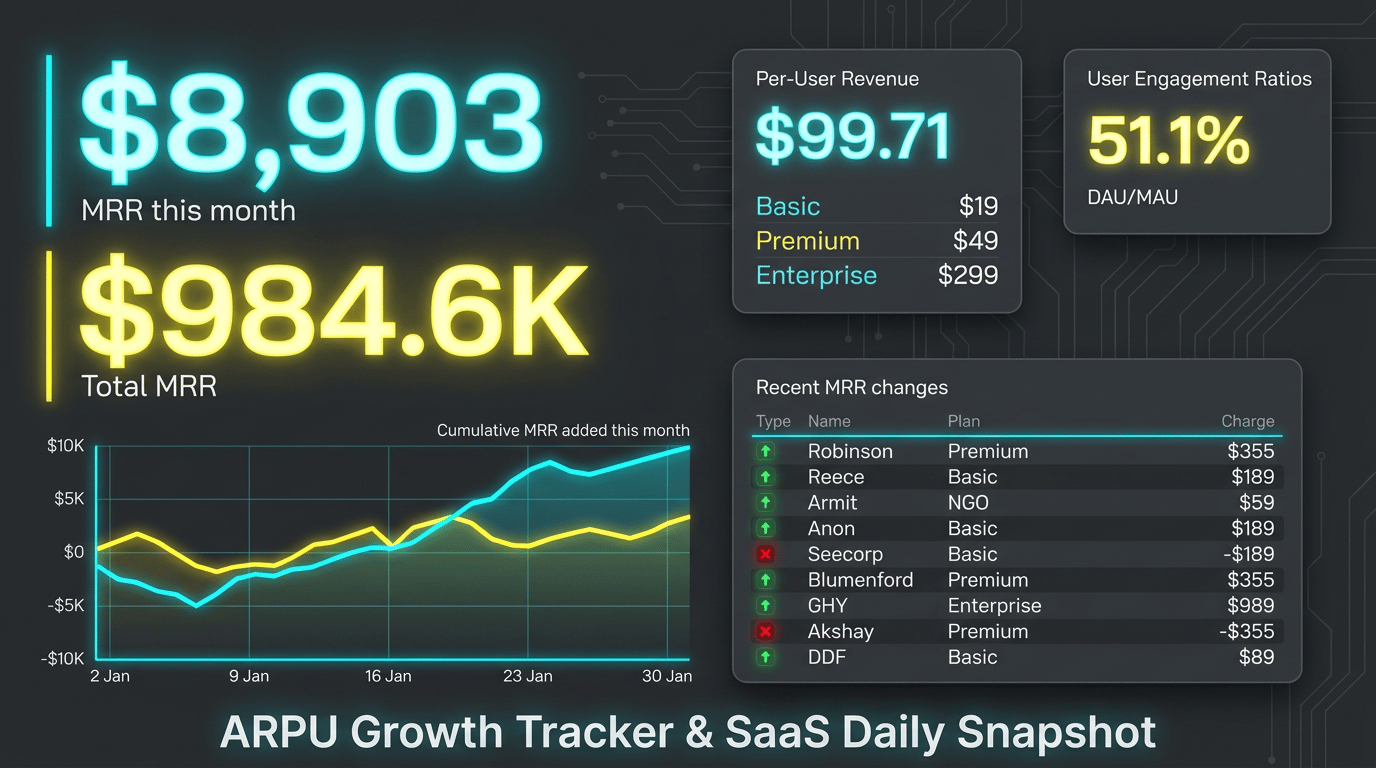
ARPU is average revenue per user: defined revenue divided by a defined user population. The formula is simple, but “user” can mean an active app user, a paid subscriber, or a business account. Establish that unit before comparing products, periods, or pricing plans.
Start with the denominator, not the acronym
ARPU stands for Average Revenue Per User. It is a monetary amount per user, not a percentage. Because it measures revenue, it does not by itself tell you profit after product, sales, or support costs.
An app may divide period revenue by unique active users during that period, including free users. However, Stripe Billing defines ARPU as MRR divided by active subscribers, excluding free plans and trials. A customer with multiple active subscriptions is counted as one active subscriber in Stripe. That customer may not correspond to one individual seat in your own product.
Metric or definition | Numerator | Denominator | Use |
|---|---|---|---|
App ARPU | Defined period revenue | Unique active users in the period | Revenue per active user |
ARPPU | Defined revenue from paying users | Unique paying users in the period | Revenue per payer |
A SaaS ARPU definition | Month-end MRR | Active paid subscribers at that point | Monthly value per paid subscriber |
ARPA | Defined revenue or MRR | Matching customer accounts | Revenue per business account |
ARPA means Average Revenue Per Account. Label the report with its actual formula, such as “month-end MRR per paying business account.” A company, an individual, and a licensed seat are different counting units.
Calculate ARPU and ARPPU from the same fictional data
Consider one month of an illustrative app business. It has 1,000 active users, including 200 unique paying users, and ¥400,000 purchase revenue after the example's tax and refund adjustments. There is no advertising revenue. Multiple purchases by the same person do not create multiple paying users.
Measure | Calculation | Result |
|---|---|---|
Active-user ARPU | ¥400,000 ÷ 1,000 | ¥400 |
ARPPU | ¥400,000 ÷ 200 | ¥2,000 |
Paying rate | 200 ÷ 1,000 | 20% |
Consistency check | ¥2,000 × 0.20 | ¥400 ARPU |
Paying rate multiplied by ARPPU equals ARPU only when the population, period, and revenue scope match, and payers are a subset of the active-user population. It does not hold if only ARPU includes advertising revenue. AppsFlyer's ARPPU explanation distinguishes payer revenue from advertising revenue. See ARPPU and paying-user analysis for the revenue-scope example and payer distribution checks.
Keep business accounts and seats separate
In a separate fictional B2B SaaS example, 20 companies hold 200 paid seats and generate ¥400,000 month-end MRR. MRR per paid seat is ¥2,000; ARPA per company is ¥20,000. Both calculations are valid, but they describe different units. Record whether free seats are included and whether the billing subscriber represents a company.
These are separate app and SaaS datasets. Switching a report's denominator from people to companies does not demonstrate an improvement in monetization. Keep the contract unit consistent when evaluating upgrades, seat additions, or price changes.
Separate MRR, recognized revenue, cash, and profit
An annual payment collected in one month can make a cash-based per-user amount spike. An MRR calculation instead normalizes recurring contract value to a monthly amount. A recognized-revenue calculation follows your accounting policy for the period. Neither should be silently substituted for the other.
Specify treatment of taxes, discounts, refunds, processing fees, usage charges, and currency conversion. The same revenue figure can produce different margins when delivery or support costs differ. Revenue, profit, and cash flow explains these distinctions. ARPU is not a complete profitability or lifetime-value measure.
A higher ARPU does not prove a better outcome
Suppose another fictional comparison moves from ¥400,000 revenue and 1,000 active users to ¥360,000 and 800 users. ARPU rises from ¥400 to ¥450, while revenue falls by 10%. Losing lower-spending users can raise the average without making the business healthier.
Observed change | Investigate | Report alongside ARPU |
|---|---|---|
ARPU rises; revenue falls | Loss of lower-spending users or a smaller eligible population | User counts, payer counts, churn |
ARPU rises; paying rate falls | Pricing mix and difficulty converting new payers | Paying rate, refunds, retention |
One plan changes sharply | Discount expiry, annual-payment treatment, currency, or definition changes | Plan revenue and source records |
Revenue rises; ARPU falls | Growth in free users or lower-priced acquisitions | Total revenue, delivery cost, acquisition cost |
Higher-ARPU customers are not automatically less likely to churn. Pair the analysis with customer and revenue churn calculations. An external benchmark also needs a matching year, customer unit, revenue scope, and contract model before it can inform a target.
Use a repeatable monthly definition sheet
- Choose the question: revenue per active user or monthly value per paid subscriber.
- Define the numerator and its revenue, tax, refund, fee, and currency rules.
- Define the population, qualifying activity, deduplication, and period or snapshot date.
- Recalculate from matching source data and the agreed time zone.
- Explain changes using revenue, population, paying rate, retention, and costs together.
A zero denominator makes ARPU undefined; it should not become an ordinary ¥0 result. A simple average of daily ARPU is not monthly ARPU either. Recalculate using monthly revenue and the monthly population under your chosen deduplication rule.
When organizing improvement initiatives, Xtrategy's project and budget-versus-actual management features can help teams keep plans, owners, and costs together. Use that execution record alongside consistently defined metrics.