How to Build a Flowchart Template | Patterns by Process Type and a Five-Step Method
Shusaku Yosa
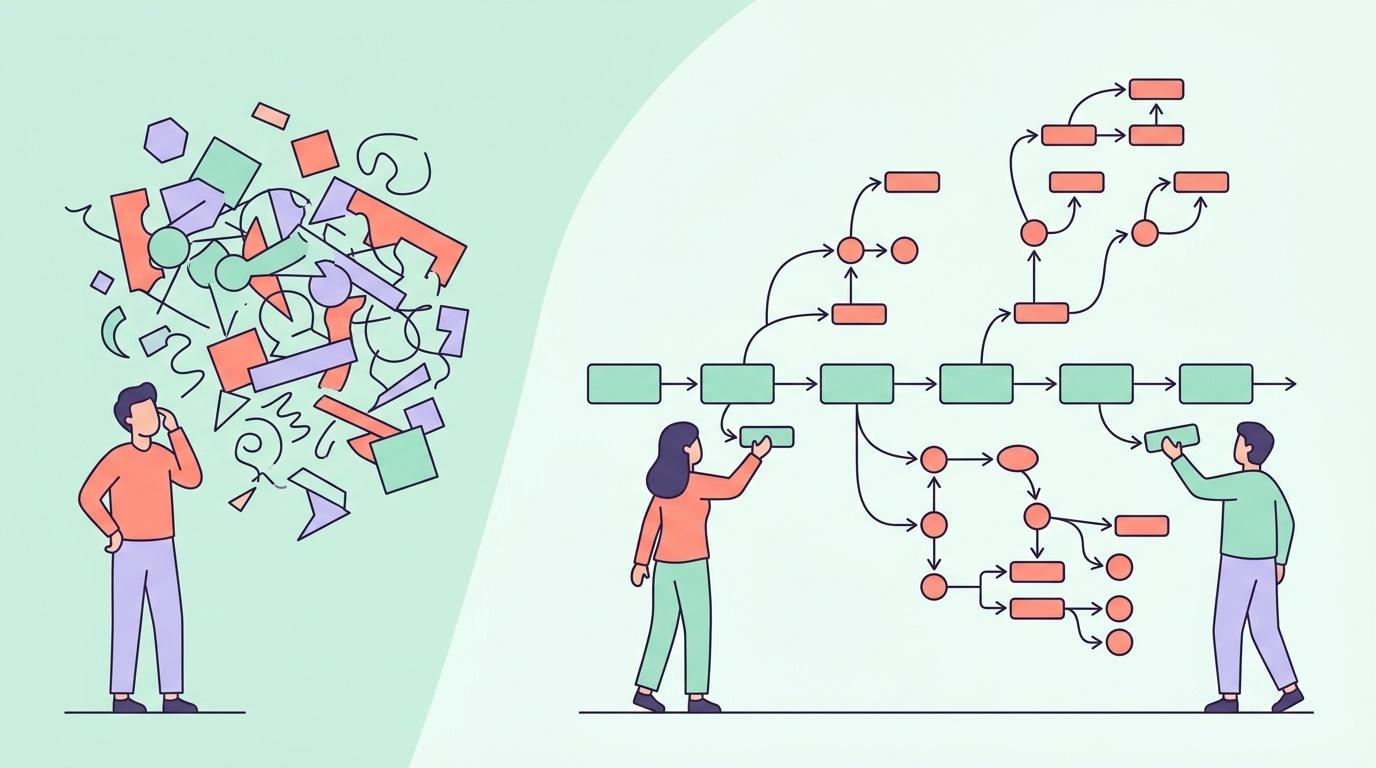
You sit down to draw a flowchart and stall in front of the blank page. Knowing what the symbols mean is one thing; knowing where to start and how to structure it is another. In fact, the skeleton of a process flow tends to follow a settled pattern depending on the type of work. This article covers those patterns, a build method, and what to watch for when applying a pattern to your own situation.
Why Starting from a Pattern Is Faster
Business processes come together faster when you adapt an existing pattern than when you think from zero. Most processes are built from a limited set of combinations: request and approval, receive and respond, order and deliver.
Speed is not the only benefit. Closing off the common gaps in advance matters more. On an approval flow, the route back after a rejection; on enquiry handling, what happens when the first response does not resolve it. These are easy to forget when thinking alone, but a pattern that includes them leaves no room to skip them.
A pattern is only a starting point, though. Wherever it differs from how your organisation actually works, rewrite it. Explaining the work to fit the pattern puts the diagram and reality out of step.
The Approval Flow Pattern
For internal proposals, expense claims, leave requests — anything where a request goes up for approval. The most frequently used pattern, and the simplest in structure.
Skeleton
Prepare the request → check the contents → approval decision → execute if approved, return if rejected → close
Branches to pin down
- Approver changes by amount or content: above a threshold, a more senior approval is required.
- The route for resubmission: does a corrected request go back to the same approver, or start over?
- What happens when the approver is away: is delegated approval allowed, or does it wait?
The third is the usual gap. Things stalling because an approver is out happens without fail, and it is almost never written into the flow.
The Enquiry Handling Pattern
For customer enquiries, internal help desks, complaint handling. Because there is an external touchpoint, it carries more branches than an approval flow.
Skeleton
Receive the enquiry → classify it → decide whether a first-line answer is possible → answer if it is, hand to the responsible team if not → confirm resolution → record
Branches to pin down
- Urgency assessment: do urgent cases follow a separate route from normal ones?
- Criteria for handing off: what sends something to the technical team rather than sales?
- When it stays unresolved: after how many days does it escalate?
In this pattern, stating the definition of done matters especially. Is it complete when the reply is sent, or when the other party confirms the problem is solved? Leave that vague and cases you believed were closed come back later.
The Order-to-Invoice Pattern
The full run from quotation through delivery to invoicing. Many departments are involved, and documents move between them.
Skeleton
Receive the enquiry → prepare the quotation → internal approval → submit the quotation → win or lose decision → if won, place orders and deliver → acceptance → invoice
Branches to pin down
- Credit check: the extra route added for a new customer.
- What happens when you lose: is it just recorded, or is there a follow-up action?
- When acceptance fails: the route for correcting and resubmitting.
This flow tends to get long, so splitting it at the quotation stage is practical: one diagram up to submitting the quotation, another from winning onward. Force it onto one page and neither half reads well.
The Production Workflow Pattern
For content production, preparing materials, advertising creative — work where something is made and then put through review.
Skeleton
Receive the brief → confirm the requirements → produce → internal check → revise → requester's review → revise → deliver
Branches to pin down
- A cap on revision rounds: how many are assumed, and what happens beyond that?
- When the direction itself is redone: the route back to confirming requirements.
- Waiting on assets: what happens when the requester's material arrives late.
The critical question in this pattern is where the revision loop stops. Draw an unlimited return arrow and the diagram is technically accurate but gives the process no brake. Put in a limit, whether a number of rounds or a date.
How to Build It
Once you have chosen a pattern, proceed like this.
- Fix the start and the end: where does the diagram begin and where does it stop? Vague boundaries make it swell.
- Draw only the normal path first: leave exceptions for later and run one clean line through.
- Add the branches: work through the branches listed in the pattern and add the ones that apply.
- Assign owners: make clear whose work each step is.
- Have someone unfamiliar read it: wherever they ask a question is exactly where the diagram is incomplete.
The order of the second step matters. Try to include exceptions from the outset and the branches multiply until the overall shape disappears.
What to Watch When Using a Pattern
Do not leave steps that differ from reality
Use a pattern as-is and steps your organisation does not actually perform can remain in the diagram. A chart showing work that does not exist only confuses the reader. Check each one against what actually happens.
Do not mix the ideal with the current state
While adapting a pattern, the way things ought to be tends to creep in. Decide first whether you are mapping the current state or drawing the improved version. A chart that mixes both serves neither purpose.
Choosing a Tool
The shape tools in Excel and PowerPoint will do the job. The flowchart symbols are all there, and you can start without adopting anything new.
The drawback is that adding one symbol means redrawing the lines. They do not suit diagrams you update frequently.
As a guide: if you revise only a few times a year, Excel or PowerPoint is plenty. For processes that change often, a dedicated drawing tool where adding and rearranging symbols is easy is worth considering.
Frequently Asked Questions
What if none of the patterns fit?
Most cases can be expressed as a combination. Recruitment, for instance, is the enquiry-handling pattern (receiving applications) combined with the approval pattern (pass or fail decisions). Break it down first, then map the pieces.
How much fits on one page?
What fits on a single A4 page or slide is the ceiling. If it does not fit, split by phase. For order-to-invoice, split at the quotation; for production, at the point requirements are settled.
There are too many branches
With five or more branches, a flowchart may not be the right form. A decision table, mapping conditions to outcomes in a grid, often organises the same material with fewer gaps.
Nobody uses the chart we made
A diagram with no occasion to be looked at will always be neglected. Use it when explaining the work to a new joiner, when handing over, when considering improvements. Decide the use before you build it and the question of detail also gets easier.
The Work That Remains After the Chart
What a flowchart can express is the order of steps and the branches. It cannot express who does what by when, or when the whole thing finishes. Once the sequence is settled, the remaining work is turning it into dates and owners.
Once you move past designing the execution flow of a campaign and into managing schedule against budget and results, a chart alone cannot keep up. Xtrategy manages campaign schedules alongside budget and KPIs on a single screen.
Summary
- Starting from a pattern is faster, and it closes off the common gaps in advance.
- Four base patterns: approval, enquiry handling, order-to-invoice, production workflow.
- Absent approvers, unresolved cases, failed acceptance, revision caps. These are the branches that get missed.
- Build in this order: fix start and end, draw the normal path, add branches, assign owners, have someone else read it.
- Do not fit the work to the pattern. Do not leave steps that do not exist.
- Current state or improved version? Decide the purpose before you build.
A pattern is a device for saving thinking time, not an answer. Pick the pattern closest to your own process and draw one line through the normal path. Adding branches from there gets you finished far faster than starting from a blank page.