Can You Use Android Apps on an iPhone? APK Limits and Practical Alternatives
Shusaku Yosa
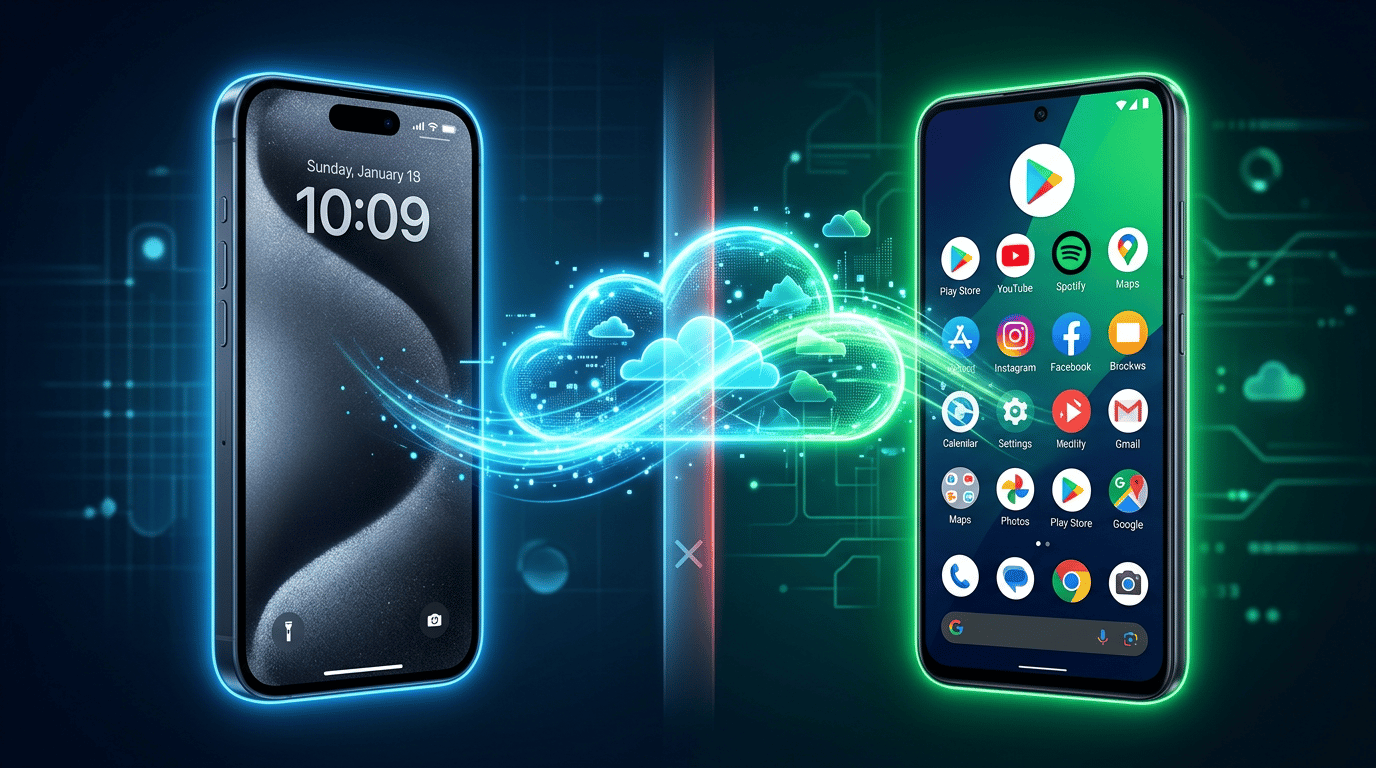
Saving an Android APK on an iPhone does not make it an installable iOS app. You may still accomplish the task through an official iOS or web version, or by controlling Android running elsewhere. Separate running an app on the iPhone from viewing and controlling another environment.
Define the task before choosing a method. Reading a record, entering data, taking a photograph, and completing device-based authentication have different requirements. The distribution details below were checked against official sources on October 9, 2026; features and prices of individual remote services require separate verification.
Why an APK does not run directly on an iPhone
Android and iOS applications use different execution environments and platform facilities. An APK is an Android app package. Renaming it or changing its extension does not turn it into an iOS application, and successful downloading is not evidence of executable compatibility.
If an Android app appears on the iPhone’s screen, it may be running on an Android device or cloud environment that streams its display. Identify that execution location to understand which device must remain powered, where information is stored, and what happens when the connection fails.
An iOS app carrying the same service name also needs checking. Confirm the provider, required features, account support, synchronization, and purchase entitlements. Finding an app is different from completing your intended task with it.
Separate file formats from distribution rules
Format or channel | What it means | What it does not establish |
|---|---|---|
APK | Android installation package | Native iOS compatibility |
AAB | Android App Bundle publishing format | A directly launched file or an iOS conversion format |
iOS application | An app built for iPhone | Identical features and purchases to the Android version |
Alternative marketplace | A conditional iOS distribution channel | The ability to run Android APKs |
Android Developers describes AAB as a publishing format from which Google Play generates device-appropriate APKs. It is not a shortcut for converting an Android application into an iPhone application.
Nor should iPhone distribution be described globally as App Store-only. Apple’s Japan-specific developer guidance describes alternative marketplaces for iOS 26.2 and later in Japan. They distribute iOS apps; they do not add APK compatibility. Apple Support’s regional guidance explains conditions involving region, Apple Account, location, and software. Do not generalize Japan’s conditions to every country or iPhone.
Try the official iOS or web route for the task
Follow links from the service’s official website and compare the named developer. Check whether you can complete the actual operation, not simply open a page or log in. Reading saved documents may work in a browser, while capturing evidence through a specific camera workflow may require another environment.
Adding a web shortcut to the home screen does not establish full native-feature support. Test synchronization, submission, relevant offline behavior, and account access. Use a consistent task to compare options; the usability guide explains why appearance alone is not the outcome to judge.
Check remote and cloud Android by execution location
With remote access to your own Android device, the app runs there while the iPhone receives the screen and may send input. Confirm whether the selected arrangement supports viewing only or also taps and text entry. The Android device needs the required power, connection, permissions, and application state.
Cloud Android uses a provider’s Android environment. Verify the target app, required facilities such as Google Play services, account authentication, storage, and permitted use. A general claim of broad compatibility does not establish that your app and workflow will work.
Option | Execution location | Conditions to verify | Cost scope |
|---|---|---|---|
Official iOS app | iPhone | Features, OS, account, purchases | App, feature, and subscription charges |
Official web version | Service’s web environment | Browser, complete task, offline needs | Plan and connectivity |
Own Android remotely | Your Android device | Viewing versus input, power, and connection | Device, remote features, network, maintenance |
Cloud Android | Provider’s environment | Target app, authentication, terms, storage | Runtime, storage, transfer, and extra features |
Remote access does not automatically substitute the iPhone’s camera or location for the Android environment’s facilities. Test notifications, peripherals, and device-linked authentication separately. Use supported workflows rather than assuming restrictions can be bypassed.
Test compatibility, latency, accounts, and data
Area | Test | Example record |
|---|---|---|
Task compatibility | Login through saving or submitting | Reading works; capture and submission untested |
Input and delay | Typing, taps, and updates on the actual network | Completed on office Wi-Fi; mobile use untested |
Authentication | Multifactor checks and device conditions | Verified with an authorized test account |
Data | Streaming, files, logs, storage, and deletion | Provider confirmation needed for stored material |
Terms | App and remote/cloud conditions | Purpose referred to responsible owner |
Costs and ending | Usage, extras, cancellation, export | Trial budget and end date agreed |
Imagine a fictional company needs an Android-only work tool. A read-only record check can be tested as one task. If the job also requires a local photograph and device-specific authentication, successful viewing does not establish that submission will work. Test capture, authentication, transmission, and recovery after disconnection.
Record the app version, Android environment, iPhone and OS, access method, network, task, success condition, and unknowns. This supports retesting after changes. Distinguish display streaming from stored files or logs when reviewing business data.
Identifiers depend on the execution environment too. Use the Android advertising ID and SDK checklist; an iPhone viewer does not make an Android app’s identifier an iOS identifier. For California-related processing, the CCPA data-flow checklist helps separate jurisdiction and roles.
Evaluate conversion and emulator claims
Does saving an APK mean I can launch it? No. Storage and execution are separate. Ask for evidence of the supported runtime rather than relying on a downloaded file or changed extension.
Will an emulator always work? The name does not answer the question. Check local versus cloud execution, supported apps and versions, input, authentication, and terms. Neither “all emulators are prohibited” nor “all apps will run” is a reliable blanket conclusion.
Is it free? Check current charges for features, runtime, storage, transfers, and connectivity, plus what changes after a trial. Owning a device does not make every remote feature free.
Define the task, test official iOS or web support, establish whether Android execution is necessary, then evaluate remote or cloud conditions in a bounded trial. Choose based on completing the task with acceptable authentication, data handling, and cost—not on displaying an Android screen alone.