Creative Production Workflow: Track Stages, Next Owners, and Waiting Time
Shusaku Yosa
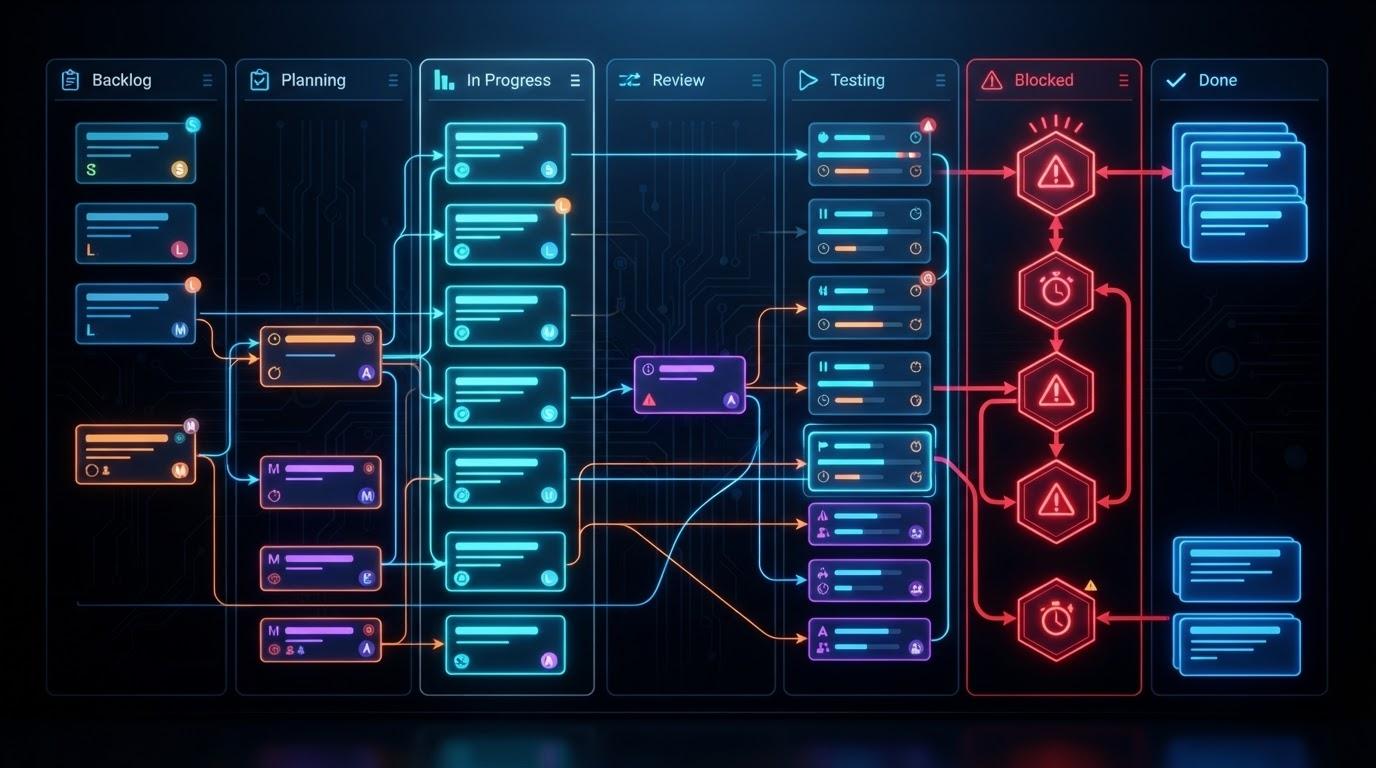
Creative production tracking follows an article, design, video, or other output through its stages and identifies who acts next. “Owner A, 50% complete” cannot tell you whether someone is writing or waiting for approval. Record the producer, current stage, next action owner, and stage-entry time separately.
The purpose is to find missing decisions and arrange support, not to monitor people. The stages and dates below are fictional design examples. Adapt them to your outputs, review scope, and external commitments.
Define the stages and waiting states you need to see
Map the actual path to completion. An article might pass through briefing, outline, writing, review, revision, and publication preparation. Design and video work will differ. Build the stages around handovers and decisions rather than borrowing another team’s labels unchanged.
A stage deserves separate visibility when responsibility changes, a decision is needed, or a wait affects delivery. Tracking every small operation creates overhead. Using only “in progress,” however, hides the difference between active work, review, and missing assets.
State | Why distinguish it? | Information needed |
|---|---|---|
Producing | Someone can actively advance the output | Next deliverable and submission date |
Review pending | The next action belongs to a reviewer | Scope, reviewer, response due |
External asset wait | The producer cannot resolve it alone | Asset, requester, follow-up date |
Revising | Comments need a response | Version, required comments, resubmission |
If outputs are missing from the plan, first use a work breakdown structure to define scope and completion evidence. A workflow tracker follows known work; it does not automatically determine what should be produced.
Separate the producer, next action owner, and stage-entry time
The producer creates the output; the next action owner performs the action now needed. Replacing the producer with the reviewer loses context for a later revision. Keep an overall accountable owner separately where the project needs one.
Separate timestamps too. Stage entry measures the current stage’s age. The last meaningful update records a response, decision, or change in work. Correcting a note should not make a long review wait look new.
Field | Meaning | Fictional example |
|---|---|---|
Producer | Person creating the output | Writer A |
Next action owner | Person who acts now | Product C |
Current stage | Actual position in the flow | Draft review pending |
Stage-entry time | When this stage began | D6 09:00 |
Last meaningful update | Last response or substantive change | D7 16:00 |
Next due time | Agreed response or completion | D9 12:00 |
Choose whether you record dates or exact times and state the time zone when people work across regions. A deadline entered by a requester is not automatically a commitment. Confirm it with the person who must perform the work and reserve the needed capacity.
Define entry and exit criteria for each stage
Describe entry and exit in terms of outputs and checks. Replace “mostly done” with what must be submitted and who must confirm it. Multiple acceptance checks can belong to one output; their existence does not automatically mean every check must become a separate task.
Stage | Entry | Exit | Next owner | Due-date basis |
|---|---|---|---|---|
Outline review | Outline and proposed sources submitted | Required comments addressed and approval obtained | Reviewer | Agreed review slot |
Writing | Outline and scope agreed | Draft, sources, self-check complete | Writer | Estimate adjusted for complexity |
Draft review | Review version identified | Required factual, editorial, and rights checks complete | Reviewer | Time for the review scope |
Publication preparation | Required approvals complete | Layout and reference links checked | Publisher | Time needed before launch |
A review request should include the version, questions, response deadline, and method for consolidating required comments. If several departments review, decide whether a coordinator combines feedback or everyone responds directly. Distinguish parallel checks from checks that depend on an earlier decision.
Follow one item through a tracker and event history
Use a current-state record alongside an append-only event history. The current record shows what happens next. The history preserves the previous stage, time, reason, and version. Counting revision rounds alone does not establish quality or explain why the work returned.
ID | Time | Stage change | Producer | Next owner | Reason/next due |
|---|---|---|---|---|---|
C-01 | D1 09:00 | Writing to review | Writer A | Reviewer B | Draft v1; response D3 |
C-01 | D3 16:00 | Review to revision | Writer A | Writer A | Add sources; resubmit D4 |
C-01 | D4 15:00 | Revision to re-review | Writer A | Reviewer B | Draft v2; check D5 |
C-01 | D5 16:00 | Re-review to revision | Writer A | Writer A | Reflect changed product condition; resubmit D6 |
C-01 | D6 09:00 | Revision to draft review | Writer A | Product C | Changed product condition; response D9 |
This fictional example assumes the first recorded transition at D1 09:00 and a current time of D8 09:00, with D1–D8 consecutive calendar days and all times in the same time zone. Seven calendar days have elapsed overall; the latest review began at D6 09:00, so that stage has aged two days. Editing a note on D7 does not move stage entry to D7. Keeping both measures prevents rework from erasing earlier waits.
Atlassian’s Kanban metrics guide distinguishes elapsed delivery measures and work in progress. Applying those ideas to production does not turn seven elapsed days into seven person-days of effort. Record hands-on time separately if you need that measure.
Handle rework, external dependencies, and approvals
Return work to the stage that actually needs it. Keeping an item in review while the writer revises it obscures responsibility. Record whether the return came from missing evidence, changed scope, a new fact, or wording adjustments, and use the reason to improve the process.
Wait | Decision needed | Owner | Follow-up | Schedule impact |
|---|---|---|---|---|
Case-study permission | Use another example or defer | Lead A | D9 | Update launch and invitations |
Reviewer unavailable | Can an authorized substitute review? | Review lead B | D8 | Check authority and quality |
Supplier assets incomplete | Confirm missing files and acceptance | Supplier contact C | D8 | Review downstream start conditions |
“Waiting for supplier” is insufficient. Name what was requested, who must answer, and when to follow up. Use the vendor management guide for shared decisions and changes. Link substantive problems to an issue log instead of burying them in a stage note.
Review aging work and adjust dates and workflow rules
Review aging stages, overdue responses, and repeated return reasons. Set review thresholds by output and stage, not one universal number of days. Check review scope, briefing clarity, concurrent workload, and external constraints before drawing conclusions about an individual.
If stage entry is in G2, the following spreadsheet formula shows whole elapsed days. Exact times produce fractional days before rounding down. The number test avoids treating an empty field as a valid start:
=IF(ISNUMBER(G2),INT(NOW()-G2),"")
Define a holiday calendar separately if you need working-day measures. Conditional formatting can highlight records, but highlighting neither sends a guaranteed reminder nor restarts work. Keep due dates, next owners, and a regular review occasion together.
At the retrospective, record which waits occurred and what would make the next decision easier. Try changes such as clearer review questions, reserved review slots, or fewer simultaneous starts. Compare their benefit and operating burden before extending them to every project.